Introduction
Like most famous systems, when people move on to other platform or don't have access to the original hardware any more they may still want to get their Amiga fix. They might like to have access to Amiga vast library of software and games on another platform. Emulation has been a successful way to achieve this and thanks to years of development the Amiga community is very lucky to have a very well-built and supported emulation system for various platforms. UAE (Universal Amiga Emulation) was the first effort and has become the basic layer to be the framework for many different types of emulations, this page will look at the most popular ones.
Amiga Forever
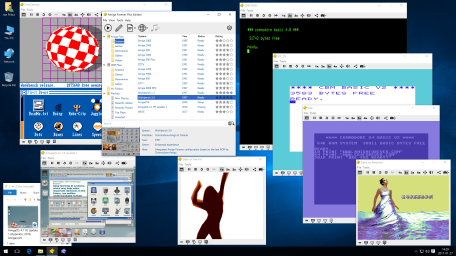
Developed by Cloanto, it's the only officially sold Amiga emulation that also includes all the original Amiga Roms / Kickstart chipsets and Amiga Workbench software that are necessary to emulate most Amiga systems. Its largely only targets the PC market but does also have limited Mac emulator support and the all important Kickstart Rom set are available for purchase on the Google Play store for Android market. The PC package is largely based on WinUAE, buts adds a number of extra features on top. One being the Retro Platform, which is designed to help identify the Amiga systems/setting you require for the program you're trying to run, very handy for users who are not that familiar with all the different Amiga hardware/systems they are. Avaible Digitail, but also a Plus version comes with a range of pre-setup Amiga systems and programs. The DVD version also has a number of classic Amiga media and is recommend for any Amiga fan.
Full Version Cost: £29.95 / Aimed: PC Emulators
WinUAE
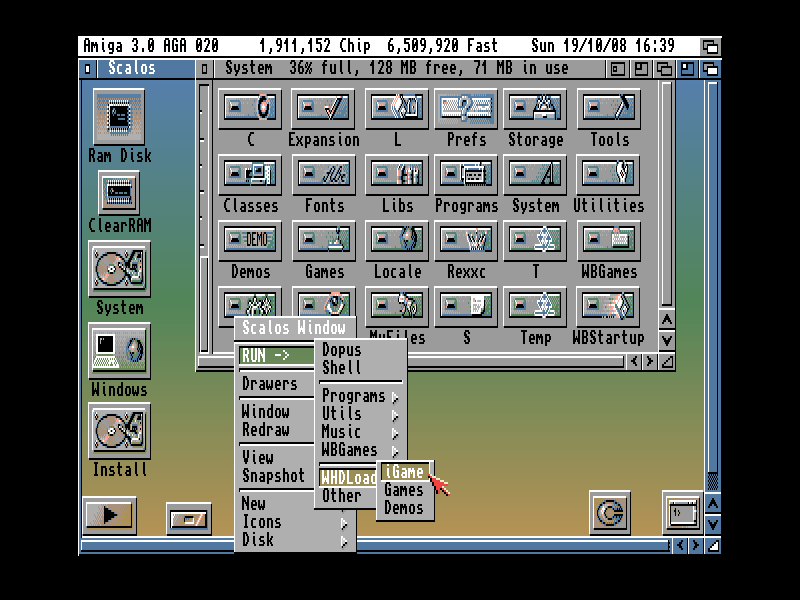
Most likely the best emulator developed for any computer, the amount of work gone into not only support and emulate the different Amiga systems, but third party add-ons is nuts. By the name you should be able to tell its been designed for Windows systems. You can emulate the first Amiga A1000, with just 7mhz and original chip set graphics all the way up to PPC, Graphics Card Equipped Amiga. The emulator comes with Amos Kickstart that can run some Amiga Games and Apps, but it recommended getting the above Amiga Forever package to have a complete Amiga experience.
Cost: Free / Aimed: PC
Online / Browser Scripted Amiga Emulation (SAE)
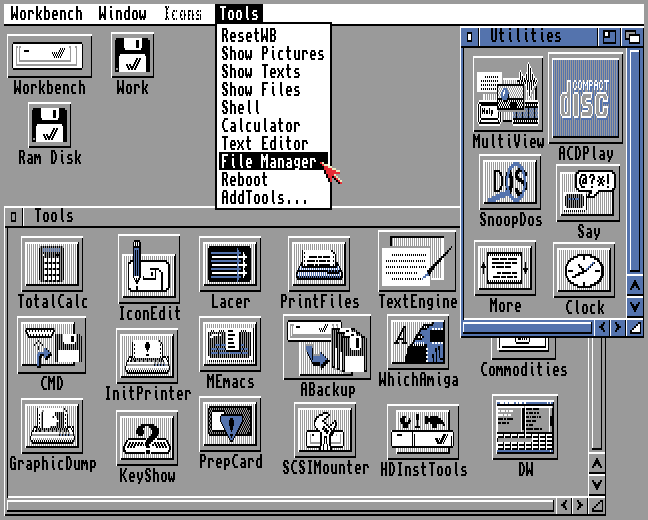
Thanks to ever advancing web tech with Html 5 and Javascript it now possible to emulate a complete gaming system, this of course now includes the Amiga. It still early days of this setup, and you need to have quite a powerful computer and modern web browser to run this type of emulation. The Internet Archive website did add nearly the whole Amiga library of Amiga games, 10,000 titles on their site, however many have since been removed due to licenses /copyright issues. There is however still 4,000 titles available to play online with many of them just being demo versions of popular Amiga games.
http://scriptedamigaemulator.net/
Amiberry
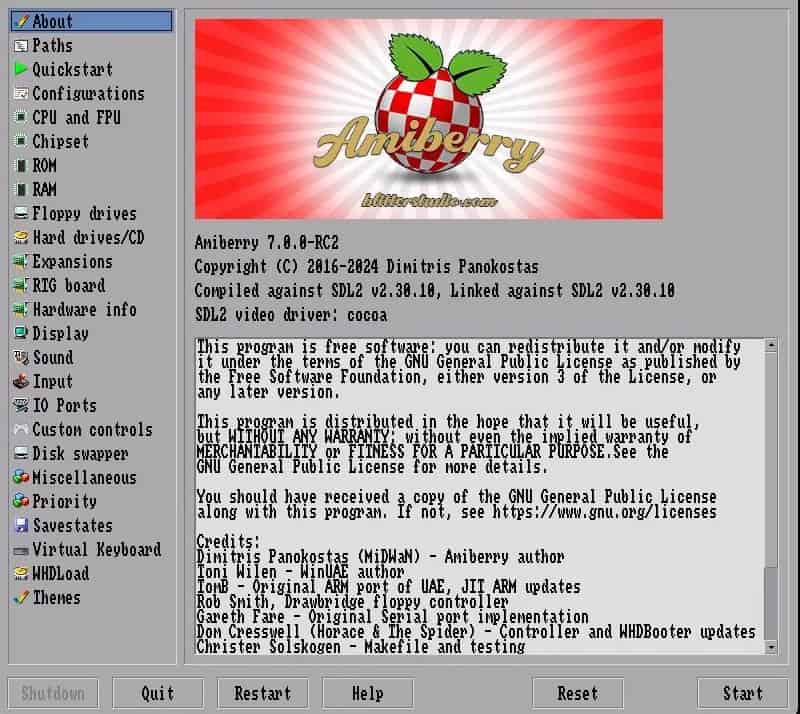
Amiberry is an optimized Amiga emulator designed for ARM (32/64-bit), x86_64, and RISC-V platforms. It natively runs on Linux, macOS and Windows, providing a high-performance emulation experience suitable for everything from low-power SBCs (like Raspberry Pi) to powerful desktop workstations. Built on the core of WinUAE, Amiberry brings industry-standard compatibility to multiple platforms while adding unique features tailored for modern setups. Original goal was to support Raspberry Pi systems, but has expanded it support for multiple systems. This is also the Emulator used to power devices like the A500 Mini & A1200NG systems.
FS-UAE
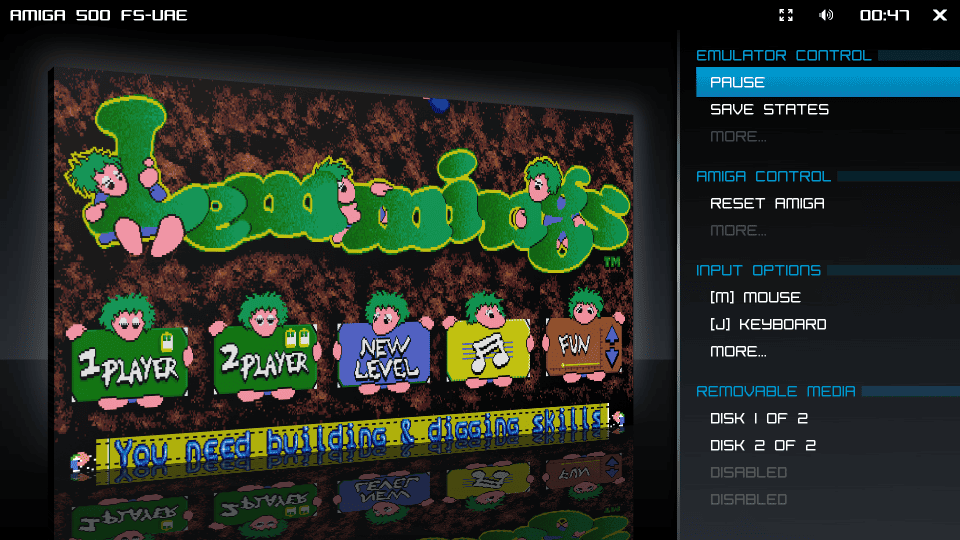
The more cross-platform Amiga emulator for Windows, macOS and Linux, with a particular focus on games. A kinda more user-friendly and database driven launcher than WinUAE. The emulator is a little more focus on Amiga game emulation, and also offers an arcade mode frontend.
Amiga Live
AmigaLive is a front-end application which utilizes the netplay capabilities of the FS-UAE emulator, and makes it really simple to have 2 or more players connect and play the same Amiga game, or use the same software as if sharing the same Amiga computer hardware and peripherals. Its also allows you to live broadcast games to Twitch, with its own Amigalive stream that runs 24/7.
VAmiga / VAmiga Net
Is the main emulator recommended for Apple MacOs systems, there also a port that runs on the web. Based on WASM, Svelte-Kit, Typescript and Tailwind. You can run it in your browser right away and even has the Aros kickstart ROM pre-installed so you play some compatible games without needing any extra software.
Kyvos (QEMU - AmigaOS4)
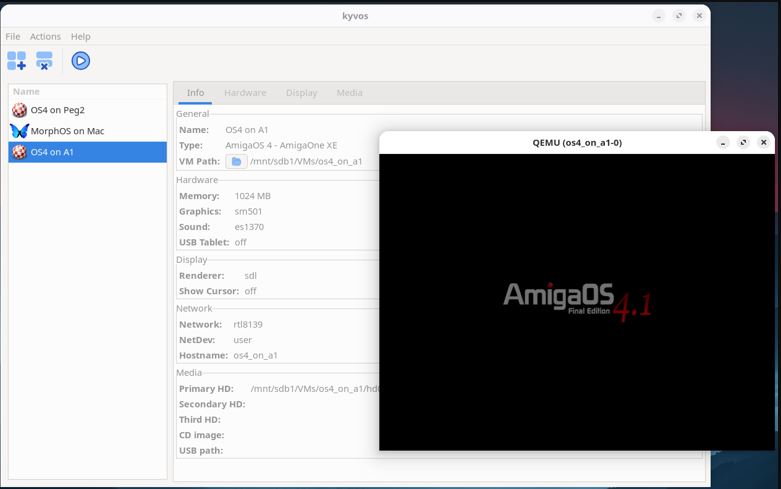
From the Manual, intro: "Kyvos is a frontend for Qemu that facilitates the creation of AmigaOS 4 and MorphOS emulated environments on Linux, macOS, or Windows systems. Kyvos is pronounced as kee-vos, deriving from the Greek word "κύβος," meaning cube in English. The virtual AmigaOS 4 and MorphOS systems are viewed as cubes, operating within the host OS. Kyvos is accessible for Linux, macOS, and Windows and can be downloaded from the Ko-Fi page.
Many individuals encounter difficulties when attempting to install Qemu on their systems, acquiring all necessary files, and adhering to lengthy instructions to boot the system. The aim is to mitigate some of these challenges, thereby broadening the accessibility for others to experience AmigaOS 4 and MorphOS. While emulating these operating systems may not deliver the optimal experience, the tools are available for exploration."
This is fast becoming the best and easiest way to setup an AmigaOS4 emulated system for all platforms, it supports Mac, Windows, Linux and even Raspberry Pi system.
https://ko-fi.com/s/6476fdadd2 - Kyvos Download for free, but a donation is suggested.
https://www.amigans.net/modules/newbb/viewtopic.php?topic_id=9898 - Kinda become the Forum Thread to follow development, get help and to ask questions from the developer.
Other AmigaOS4 Emulators / Virtualizes
A growing area of interest and possibility is emulating the newer Amiga Platform, AmigaOS4. WinUAE has provided PPC support for a little while, which allows emulation of AmigaOs4.1 Classic PPC, a handy program that helps you set this up is a package by Amikit known as FlowerPot, ( https://www.amikit.amiga.sk/store ) designed to make this solution easier for end users to setup. Read a review of that system here.
QEMU is a free and open-source emulator. It emulates a computer's processor through dynamic binary translation and provides a set of different hardware and device models for the machine. It supports three systems that AmigaOs4.1 run on, AmigaONE XE, Sam460ex and Pegasos2 systems. Pegasos2 seems to be the fastest and most well supported platform for AmigaOS4 emulation. BBoot is a simple, minimal bootloader for loading AmigaOS on QEMU-emulated AmigaOne and Pegasos2 machines, written by Amiga QEMU developer Balaton Zoltan. Download and learn more here. Guide here
QEMU helper is another program designed to help end users setup AmigaOs4 in QEMU, you can learn more and talk to the dev on this thread on Amigaworld.net ( https://amigaworld.net/modules/newbb/viewtopic.php?topic_id=45230&forum=8 )
Other Classic Emulators
There are many other Emulators developed for the Amiga, some have ended development, some where made for very specific hardware. These are the ones I know about:
Denise - Linux, FreeBSD, OSX
TAWS - Web App
WinFellow - Win (and ARM?)
pUAE - Win, Linux, OSX, ARM Systems
UAE4ARM - ARM Systems
Gekko - Android
UAE4ALL2 - PS Vita, Switch, Android
EUAE - Everywhere Emulator
Jammy - Amiga emulator written in C
UADE - linux (not really an emulator)
If you know of more then let me know
Media
https://www.youtube.com/watch?v=tcGgU1r7Fuk - WinUAE setup and guide by PSB
https://www.youtube.com/watch?v=jJG8-KG9tLI&list=PLfl5qkIeWkBnxwbuGcp7uQVoL8v3-EhDP - A great detail Playlist guide to WinUAE by MikeyGRetro
Further Reading
https://en.wikipedia.org/wiki/UAE_(emulator)
A General Overview to Emulating the Commodore Amiga - Caffeinated Pixel Great Blog post on WinUAE and general Amiga emulation tips.
Amiga Visions Best Amiga in 2026 - There full explanation on where each Amiga emulation and system stands in 2026.
For finding games:
[ TAKE CARE DOWNLOADING SOFTWARE FROM THE NET, YOU SHOULD ALSO ONLY DOWNLOAD GAMES YOU LEGALLY OWN OR WITH PROMISSION TO DOWNLOAD - AMIGANG TAKES NO RESPONSIBILITY FOR BELOW SITES ]
- WHDownLoad – a repository of pre-installed WHDLoad games
- Turran’s WHDLoad Pack Downloader — this is a tool for downloading pre-installed WHDLoad games from the English Amiga Board’s FTP site. These often have more up-to-date slave files than the games available on the WHDownLoad.
- WHDLoad – official WHDLoad site, which also contains a repository of game installers (note that these are not pre-installed like above and you need the ADFs to install the game to your hard drive)
- Vintage Is The New Old (formerly Commodore is Awesome) – general retro gaming resource with a heavy focus on all things Commodore; includes some downloadable Amiga games
- Amiga TOSEC – a free downloadable 37GB (yes 37GB!!!) archive containing multiple sources of nearly every Amiga game, demo, programme and cover disk ever made (excludes Workbench disks and Kickstart ROMs)
- EmuParadise – huge catalogue of classic games, including downloadable Amiga ADFs and CD32 disk images
- Planet Emulation – a French site hosting a large number of Amiga games
- RetroPedia - Load of Amiga games and other Roms
General:
- Lemon Amiga – general Amiga resource, includes a database of games and links to where you can download
- Hall of Light – Amiga game database
- English Amiga Board – English-language Amiga forums
- Amiga.org – Amiga portal, news site and forums
- aminet – Amiga software repository
Understanding Amiga display characteristics/modes:
- Amiga screen modes – a useful guide by the Amiga Graphics Archive
- Display Sizes, Offsets, and Clipping – an informative Retro platform discussion on Amiga overscan and how CRT TVs work
- Effect of Display Overscan on the Viewing Area – from the AmigaOS 3.5 developer docs
- Correct Amiga Aspect Ratio – an article on configuring CRT displays for Amigas